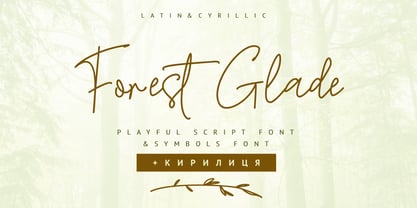
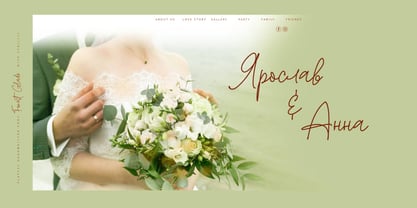
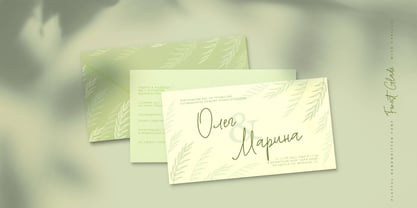
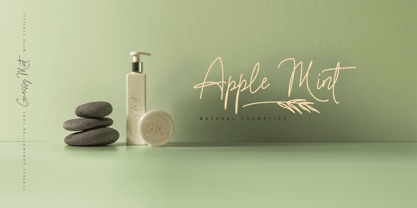
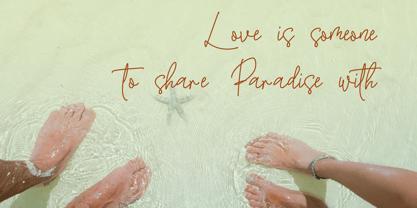
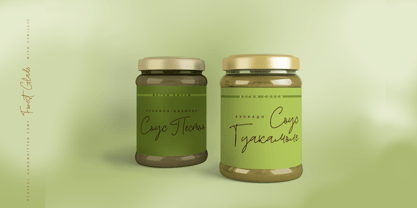
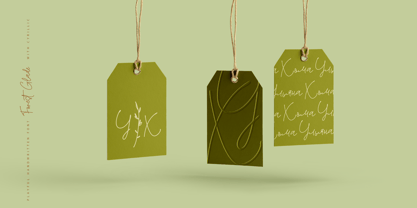
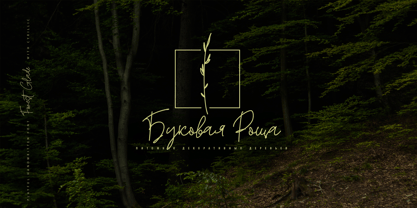
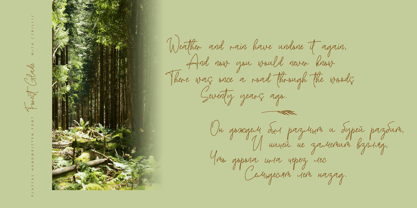
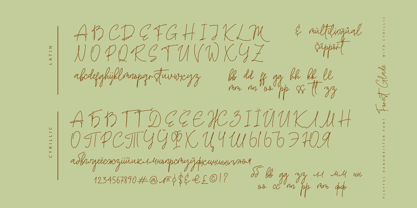
Forest Glade Cyrillic is a stylish calligraphy monoline font, elegant cursive wedding font, handwritten script font, signature font, lettering font, and logo font available as a digital download. Its graceful monoline strokes, flowing letterforms, and natural handwritten style create an authentic hand-lettered look, making it perfect for wedding invitations, wedding stationery, wedding monograms, logos, signatures, branding, labels, personalized gifts, and elegant handmade designs. Forest Glade Cyrillic supports Bulgarian, Ukrainian, Mongolian, Kazakh, Russian, and Belarusian languages.
Multilingual Support for 33 languages: Latin glyphs for Afrikaans, Albanian, Basque, Bosnian, Catalan, Danish, Dutch, English, Estonian, Faroese, Filipino, Finnish, French, Galician, Indonesian, Irish, Italian, Malay, Norwegian Bokmål, Portuguese, Slovenian, Spanish, Swahili, Swedish, Turkish, Welsh, and Zulu.
Cyrillic font supports Bulgarian, Ukrainian, Mongolian, Kazakh, Russian, and Belarusian languages.
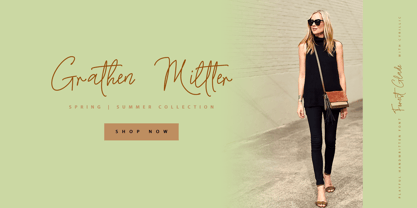
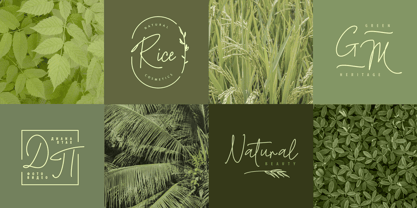
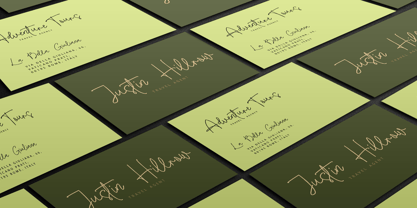
Forest Glade Cyrillic Script adds a realistic handwritten look to a wide range of design projects, including logos, signatures, labels, packaging design, branding, blog headlines, and social media graphics. Its elegant cursive style also looks beautiful on mugs, cards, invitations, wedding stationery, personalized gifts, monograms, and other elegant typographic designs.
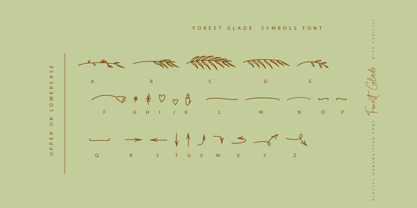
An additional font, Forest Glade Symbols, helps you create beautiful decorative designs, logos, lettering compositions, and handmade typography.
Forest Glade Symbols Font: Includes 26 hand-drawn elements, frames, borders, dividers, and swashes. Simply use the A-Z or a-z keys in the included symbol font to create decorative compositions — no complex graphic software is required.
Forest Glade Symbols is a decorative font with over 26 unique hand-drawn elements and swashes that can make your designs more original and expressive. A different decorative symbol is assigned to every uppercase and lowercase standard character, as well as numbers 0–9, so you do not need additional graphics software — simply type the character you need.
In order to use the beautiful swashes, alternates, and ligatures, you need a program that supports OpenType features, such as Adobe Illustrator, Adobe Photoshop, or Adobe InDesign.
Photoshop has a Glyphs panel where you can find alternates and ligatures. Select this font and go to Window > Glyphs, then double-click on the glyph you want to use.
To open the Glyphs panel in Illustrator, please follow: Window > Type > Glyphs.
In your Canva account, you can also access the letters with tails if you use Canva Pro.